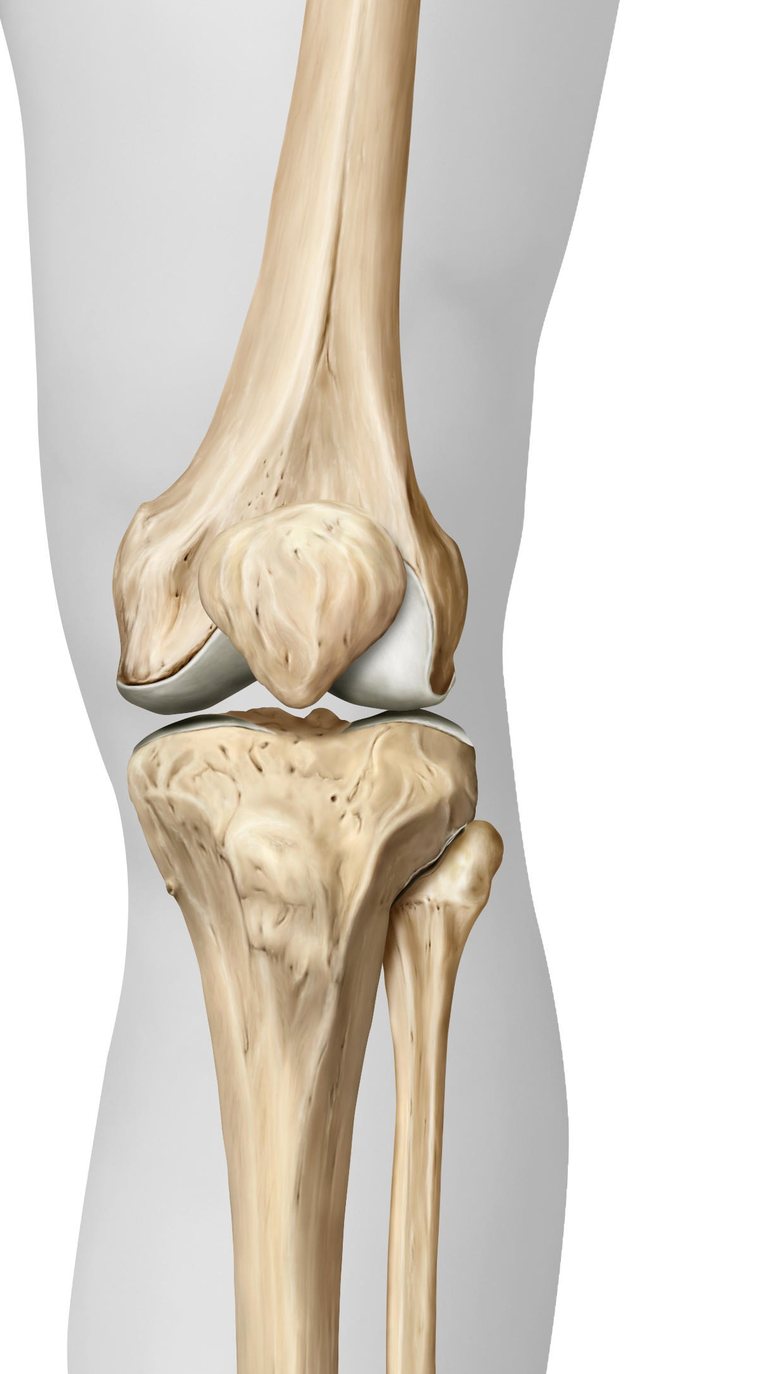
Every injury. Every pathway. Your hospital's way.
Virtual Bones puts your hospital's musculoskeletal pathways, kit, leaflets and documentation in one app, on every phone and every computer in the department.
Published in BMJ Open Quality 44 minutes less in the ED, and incomplete referrals nearly halved →Award-winning HSJ Digital Awards 2024 winner · Norfolk and Suffolk Health and Care Awards 2026 runner-up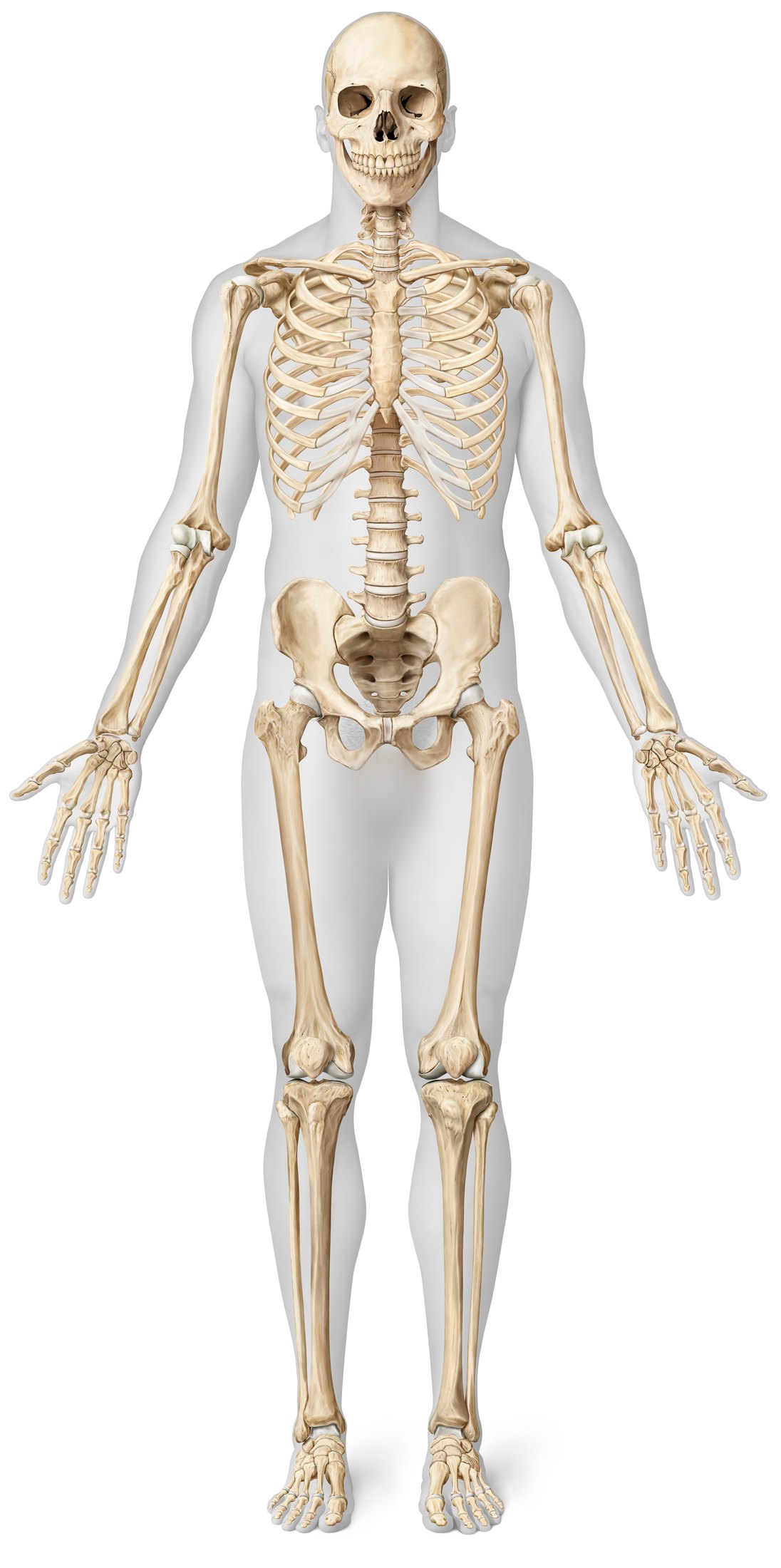
Everything about the injury in front of you.
For every musculoskeletal injury that walks through the door, Virtual Bones shows the clinician what it is, where the kit is, how to apply it, and what to give the patient. Written by your own ED and orthopaedic teams.
What it is, and what to write down.
Annotated X-rays to compare with your patient's, the findings to document, the red flags, and the information your fracture clinic expects in a referral.
- X-rays to hold up against your patient's
- What to document, with the assessment a tap away
- Your department's management, and who to call
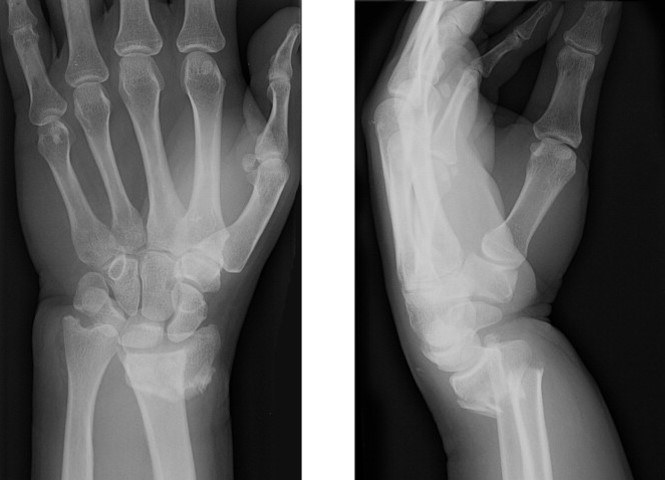 Dorsal angulation
Documentation & Assessment
- Mechanism of injury and date of injury
- Hand dominance and occupation if relevant
- Open or closed injury Assessment ›
- Mobility status
- Neurovascular status Assessment ›
Management
- Minimally displaced dorsal fracture
- Dorsally applied moulded below elbow backslab Splint ›
- Patient information leaflet Leaflet ›
- Refer to the Virtual Fracture Clinic
Can't find the equipment? No problem.
Virtual Bones shows exactly where your department keeps its slings, splints and casts, with a photograph of the shelf, so a new doctor finds a backslab on their first shift.
- Every item, with where it is kept
- Photographs of the shelf and the trolley
- Your department's own kit, not a catalogue
Fit it right, first time.
Short clips made by your local team show how to apply the splint or cast the injury needs, step by step, beside the written instructions.
- Filmed by your own team, in your own department
- Step by step, with the instructions beside it
- Linked from the injury page and the template
- Location in ED
- Plaster trolley can be found in the See and Treat corridor Images ›
- Indications
- Distal radius fractures
- Scaphoid fracture
- Material required
- Protective sheet over patient
- Water bowl with plastic lining
- 1 x Roll of 7.5cm Soffban
- 1 x Roll of 7.5cm Crepe bandage
- 1 x Roll of 15cm Plaster of Paris
- Sling/collar and cuff
- How to apply
- Apply the Soffban using a 50/50 overlap
- Measure the slab from the base of the knuckles to two fingers distal to the elbow crease
- Use 6 to 8 layers
- Cut a half circle for the thumb area
- Secure the slab using a wet crepe bandage
No more empty leaflet drawer.
Virtual Bones suggests the leaflet that matches the injury and hands it over as a QR code, by email or by text, or points the patient to your local physiotherapy service.
- The right leaflet for the injury
- A QR code to scan from the bed
- Or by email or text, without paper
The note writes itself while you examine.
Point and click documentation for every injury. Each question comes with why it matters and what it looks like, your trust's pathway is applied as you answer, and the finished note is ready to paste into any electronic patient record.
- Never miss an assessment finding
- Bespoke information beside every question
- Your trust's pathway, applied as you answer
- Perfect referrals, every time
Start at the bedside. Finish at the desk.
Answer on your phone while you are with the patient, then pick it up on any computer in the department. Nothing travels with it.
- The template, on the phone in your pocket
- Six characters, used once
- Opened on the department computer, already filled in
Documentation code
Type the code shown on your phone to open the documentation you started there.
A code works once. What you collect is erased from the server at that moment, and nothing is kept on this computer.
One decision. Two letters. Next patient.
For the consultant reviewing the virtual fracture clinic list: the department's agreed protocol on one screen, with the letters to the GP and to the patient written while you decide.
- Find the injury in a few keystrokes
- Every answer shows where it leads before you choose it
- The outcome, the bookings and the safety net
- Both letters written, the leaflets inside, one click to record
The rest of the shift, covered.
Not every patient has a fracture, and not every question starts at the skeleton.
Type it the way it comes out.
Search knows what you meant, and looks through injuries, splints, leaflets, assessments and learning at once.
- Typos and shorthand understood
- Everything grouped in one list
- Searches that find nothing are passed to your team
Injuries1
Patient Leaflets1
Hot joints, red limbs, infected hands and bites.
Organised the way they arrive, with the diagnoses that cannot wait at the top, and who takes the patient from your trust's own admissions policy.
- The do-not-miss diagnoses, first
- Start from what is in front of you
- Who admits the patient, by your policy
Soft tissue and infection
Hot swollen joint
And everything else
Paediatrics
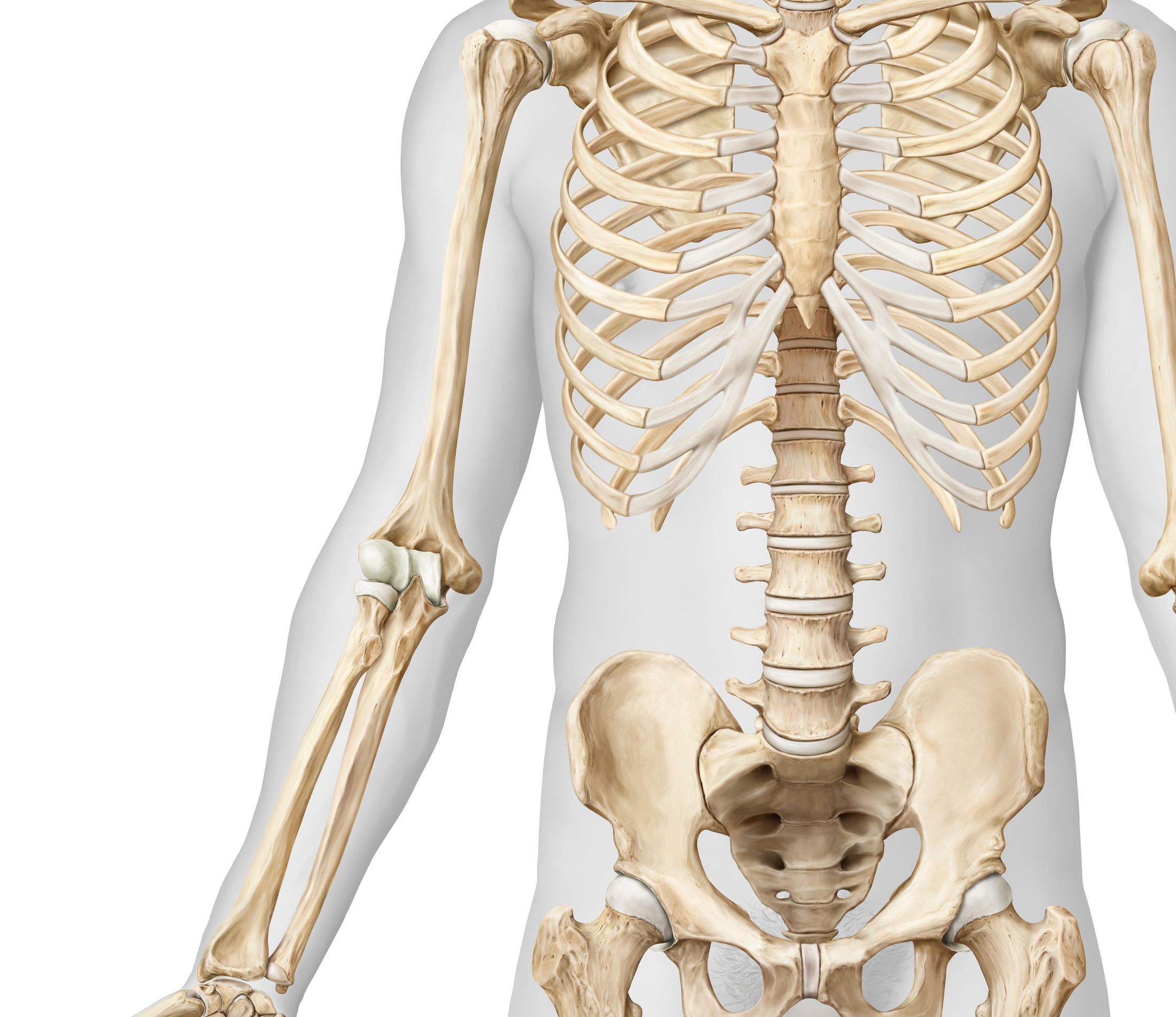
A separate skeleton and age-specific pathways for children.
Spine
Spinal injury pages with your hospital's escalation route.
Risk calculators
Scored tools and the ASIA chart, where your hospital uses them.
Splints and kit
Where each item is kept, with a photo of the shelf, and a short video of how to apply it.
Built-in guide
A tour, how-to articles and help on every screen, so nobody needs training to start.
Every device
iPhone, Android and any computer in the department.
Teaching that counts toward something.
At Ipswich, the plaster room's nine competency packs became short courses on the phone staff already carry. Each one teaches, checks, and ends with a plaster room technician signing the learner off on the spot.
- Your hospital's own competency packs
- Short sections, real pictures and videos
- Signed off by a plaster room technician, on the learner's phone
- The completed record emailed to your training register
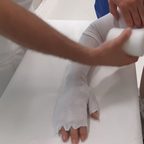 COM 146Prepping for Plaster Application7 sections · 8-question check›
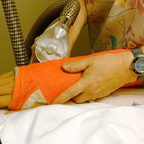 COM 148Use of the Plaster Saw for Removal of Circumferential Plaster Casts8 sections · 8-question check›
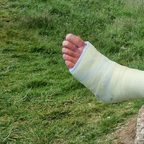 COM 145Holding for Application of Plaster Casts10 sections · 8-question check›
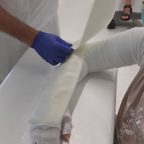 COM 147Removal of Slabs and 'Softcast' Plasters and Trimming Plasters9 sections · 8-question check›
 COM 149Windows in Casts for Wound Inspection8 sections · 8-question check›
Holding for Application of Plaster Casts
Who this is for: Any Nurses, Nursing Associates Healthcare Assistants or other clinical staff based in Fracture Clinic
- About this competency
- Basics
- Plaster application
- Below knee
- Full above knee
- Leg cylinder
- Hinged cast brace
- Full above elbow
- Knowledge check
- Sign-off and completion
Standing distally, or standing laterally?
For each statement from the pack, decide which of the two holding positions it describes.
Holding for Application of Plaster Casts
Learner: Sam Taylor
Observation 2: Full Above Knee · signed by a plaster room technician
Thank you, Robin. A receipt has gone to robin.hale@example.nhs.uk.
Holding for Application of Plaster Casts
Tailored to your department. Kept current by your team.
Everything in the app, from where the splints are kept to the bleep for the orthopaedic on-call team, belongs to your hospital. Your admins change it in minutes, read the feedback staff leave on every screen, and see what is actually used.
- Use across the app and the department computers
- The searches that found nothing, so you know what to write next
- Every change recorded, with what it replaced
| Search | Platform | Times |
|---|---|---|
| bennett fracture | App | 9 |
| hamate hook | Web | 6 |
| de quervain splint | App | 5 |
| jersey finger | App | 4 |
| lisfranc | Web | 3 |
Time back for everyone who touches a fracture.
In the emergency department
- Perfect referrals, every timeThe app tells you which injuries need a referral and exactly what the orthopaedic team will want to know about them.
- Hit your waiting time targetsLess time spent working out what to do means more patients seen.
- New or bank staff? No problemIn a high-turnover department, the right information reaches every new doctor at the right time, from their first shift.
In fracture clinic
- All the information you needReferrals arrive documented to the same standard, so decisions are made without calling the ED back.
- Fewer unnecessary appointmentsClear referral criteria mean fewer patients sent who could have been safely discharged.
- One decision, two lettersThe VFC decision tool writes the GP and patient letters as you decide, the same way across the department.
For your hospital
- You're in controlYour pathways, kit locations, leaflets and contacts, kept current by your own team.
- See what is usedAnalytics, staff feedback and the searches that found nothing tell you what to write next.
- Induction that countsLearning Hub modules, certificates and sign-off for every new rotation.
Measured in a real emergency department.
Published in BMJ Open Quality, 6 October 2026. Read the paper
Quality improvement study at West Suffolk Hospital. Pilot May to July 2023; 260 patients before and 258 after Virtual Bones was introduced. In the three-month pilot: 352 users, 2,400 sessions and 56,700 page views.
Award-winning, nationally and in the region.


In their words.
Virtual Bones is guiding our doctors, especially junior doctors, to manage their patients with bony injuries. This has expedited the timely discharge of patients from the emergency department.
Sometimes the X-ray on the app looks exactly the same as my patient's X-ray. It has been a big help with educating junior staff and showing them the equipment we use.
Incorporating local trauma policy and procedures, it has become a valuable resource for emergency medical and nursing staff here. Where equipment is kept has been especially helpful for new staff.
We get up to date, specific orthopaedic advice tailored to our department.
A really good compendium of acute injuries with a regional approach, and a good educational resource.
Ready for your
safety review.
Digital Technology Assessment CriteriaCompleted. Available on request.
0129
Clinical risk managementClinical safety case available to support your DCB0160.
See it with your own department's content.
A 30 minute demo, and a look at what your pathways would look like inside Virtual Bones.
Book a demo